1600+
Mockup Templates
50k+
Mockups Created
4.9
Star Rating
3 Ways to Create a Mockup Online with MockupHive
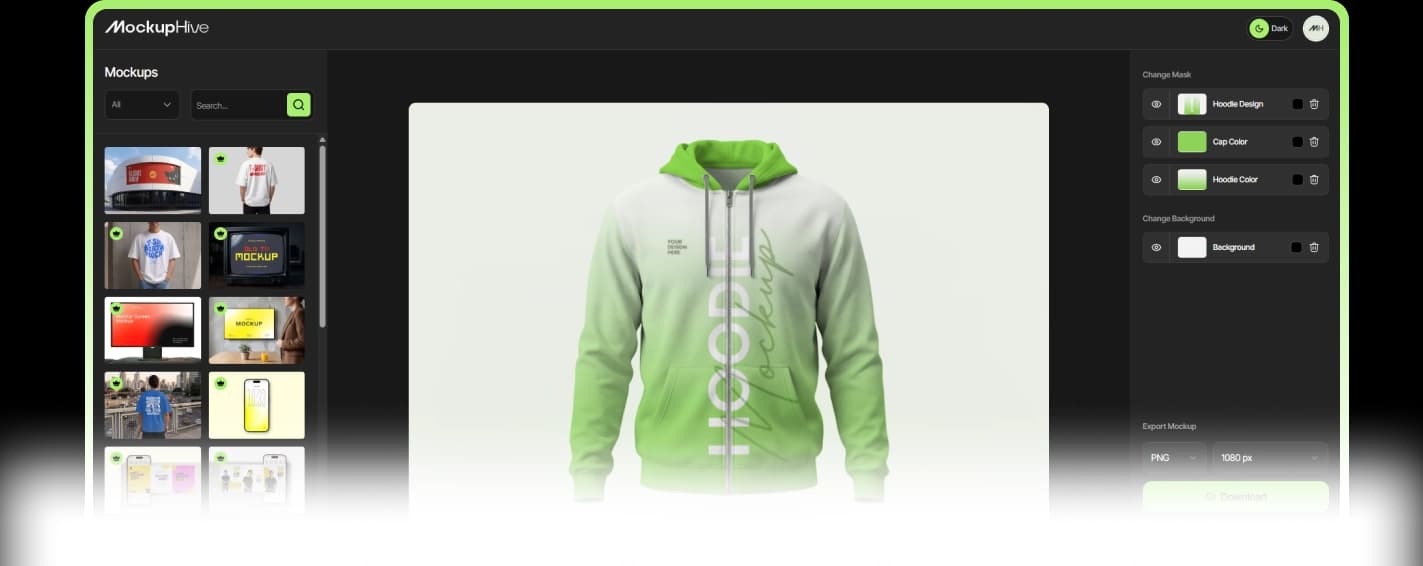
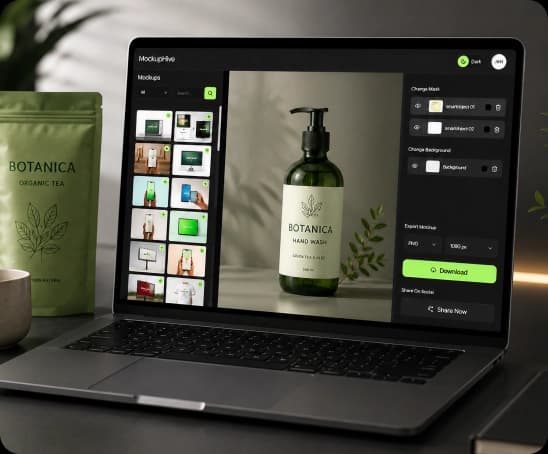
Use the Online Editor
Browser-based, no installs. Drag your design onto any template, adjust the fit, and download. Good for quick, one-off mockups without leaving the tab you're in.
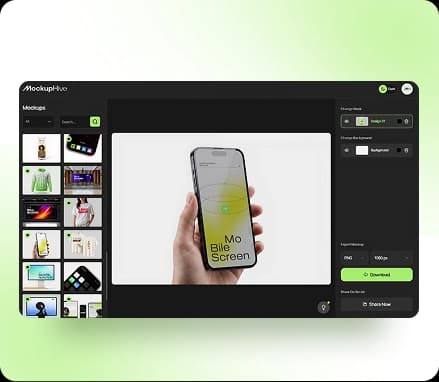
Use the Figma Plugin
Already designing in Figma? Install the MockupHive plugin and generate a mockup without leaving your file. The same 1600+ templates sync directly into your Figma workspace, so handoff to a client or dev team stays in one place.
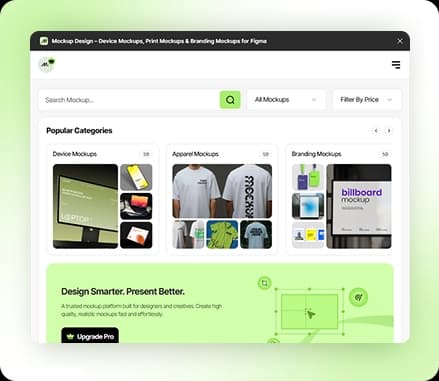
AI Mockup Generator
Upload your design and the AI detects the placement area automatically, matching perspective, shadow, and texture with no manual editing or smart objects. This is the fastest of the three — most AI generated ui mockups design are ready to download in seconds.
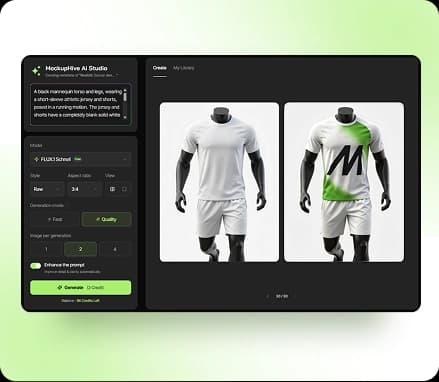
Everything You Get with MockupHive
Skip the software, skip the learning curve. Everything you need to go from a design file to finished mockup lives in one place.
- Create mockups right in your browser — no downloads, no installs
- Skip Photoshop entirely, no design skills required
- Start from a ready-made template instead of a blank canvas
- See your changes instantly with fast, live editing
- Export in the format you need, ready to use immediately
- Built for client presentations, portfolios, social posts, landing pages, ads, and product previews

Why MockupHive Is the Best
Free Mockup Generator
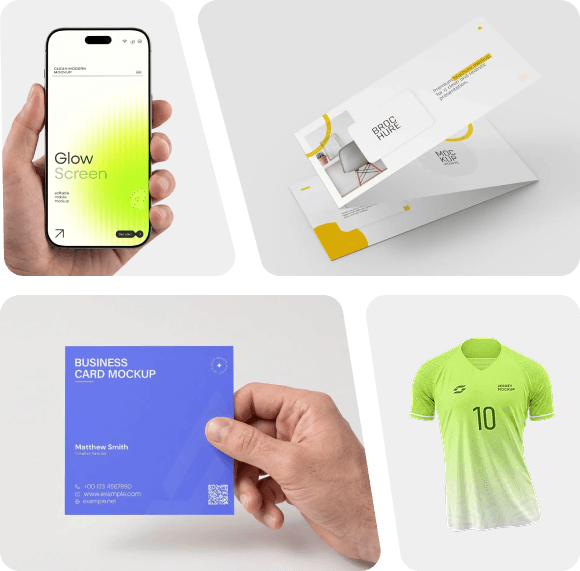
Mockup Types You Can Create
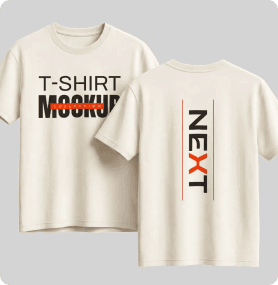
T-Shirt & Apparel
Crew necks, hoodies, long sleeves, tank tops, hats, and embroidery styles. Upload your design once and apply it across every apparel template
Device & Phone
Android and mobile phone mockup frames for app screenshots, web previews, or a phone case shot — useful for App Store and Google Play listings.

Social Media
Instagram and Facebook post frames sized for feeds, stories, and profile previews.

Product & Packaging
Boxes, labels, bottles, mugs, posters, and wall art — ready for a listing, print job, or ad campaign.

Who Can Use
MockupHive?
Designers
Prefer the Figma plugin for a workflow that never leaves the file.
Founders
Landing pages, pitch decks, product launches.
Marketers
Ads, social media, product campaigns.
Sellers
T-shirts, hoodies, mugs, packaging previews.
Agencies
Fast client approval and presentation mockups.
Mockup Generator vs Traditional
Design Tools
Mockuphive Mockup Generator
Beginner-friendly
No design skills required.
Fast
Create and download in seconds.
Yes (plus a Figma plugin)
Works in your browser seamlessly.
Ready-made
1600+ Professional templates.
Fast presentations
Perfect for quick, professional results.

Photoshop Manual Editing
Requires design skill
Steeper learning curve.
Slower
Takes more time and steps.
Usually software-based
Needs installation.
Need to create or download
Start from scratch or find resources.
Advanced custom editing
More control, more complexity.